自车图标显示
本指南:使用 VehicleController 控制 CVP(Current Vehicle Position)图标、车辆位置与 2D/3D 车辆模型。
功能介绍
VehicleController 用于管理地图上的车辆表现。它负责把来自 GPS、导航或模拟器的车辆位置写入地图引擎,并允许业务方替换默认 CVP 图标为自定义 2D 图片或 3D 模型。
典型场景:
| 场景 |
API |
| 更新车辆当前位置 |
setLocation(location) |
| 替换 2D 车辆图标 |
setIcon(bitmap) / setIcon(resourceId) |
| 使用 3D 车辆模型 |
setModel(resourceId) / setModel(data) |
| 多屏同步车辆位置 |
分别调用各屏 VehicleController.setLocation |
MapViewInitConfig.createCvp = true 时会创建默认车辆图标;若尚未显式设置图标,首次调用 setLocation 时 SDK 也会自动添加默认车辆图标。
核心接口
获取控制器
| 地图容器 |
获取方式 |
MapView / TnMapView |
mapView.getVehicleController() |
ClusterMapView / TnClusterMapView |
clusterMapView.vehicleController() |
IntersectionView / TnIntersectionView |
intersectionView.vehicleController(),见 路口放大图 |
VehicleController
| 方法 |
说明 |
setLocation(location: Location) |
更新车辆 GPS 或导航位置 |
setIcon(bitmap: Bitmap) |
使用 Bitmap 设置 2D 车辆图标 |
setIcon(@DrawableRes resourceId: Int) |
使用 drawable 资源设置 2D 车辆图标 |
setModel(@RawRes resourceId: Int): Boolean |
使用 res/raw 中的 3D 模型资源;返回是否加载成功 |
setModel(data: ByteArray) |
使用字节数据设置 3D 车辆模型 |
setLocation 同时会通知路线控制器更新车辆在路线上的位置,用于已驶过路线段隐藏、路线进度等场景。
接口详细说明
1. setLocation — 更新车辆位置
| fun setLocation(location: Location)
|
| 参数 |
类型 |
说明 |
location |
android.location.Location |
车辆当前位置;应包含经纬度,导航场景建议同时包含 bearing 以保证车头方向正确 |
2. setIcon — 设置 2D 图标
效果示意:
2D CVP(setIcon)
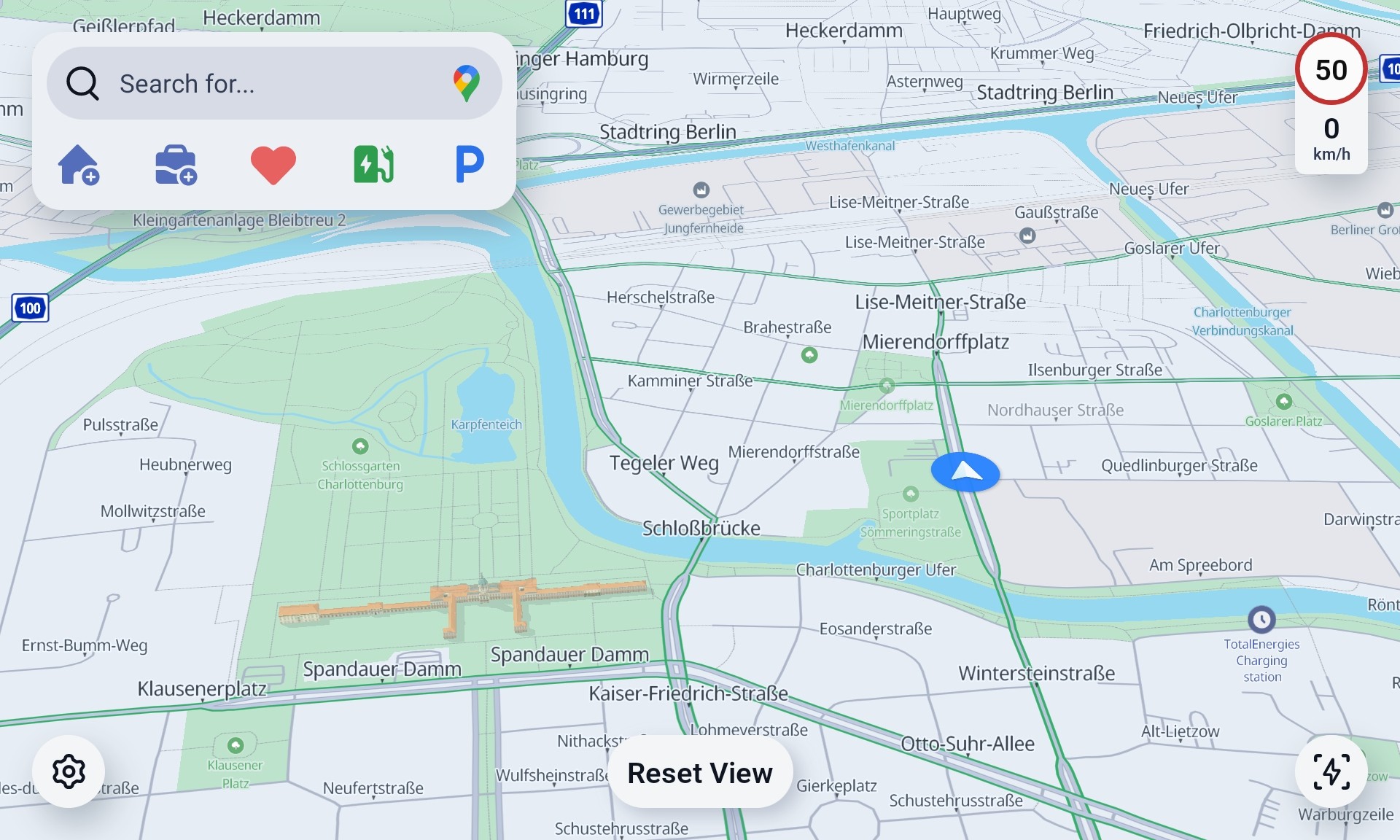
重载一:Bitmap
| fun setIcon(bitmap: Bitmap)
|
| 参数 |
类型 |
说明 |
bitmap |
Bitmap |
自定义 2D CVP 图标;注意控制尺寸与内存占用 |
重载二:Drawable 资源
| fun setIcon(@DrawableRes resourceId: Int)
|
| 参数 |
类型 |
说明 |
resourceId |
@DrawableRes Int |
2D 图标 drawable 资源 ID |
3. setModel — 设置 3D 模型
效果示意:
3D CVP(setModel)
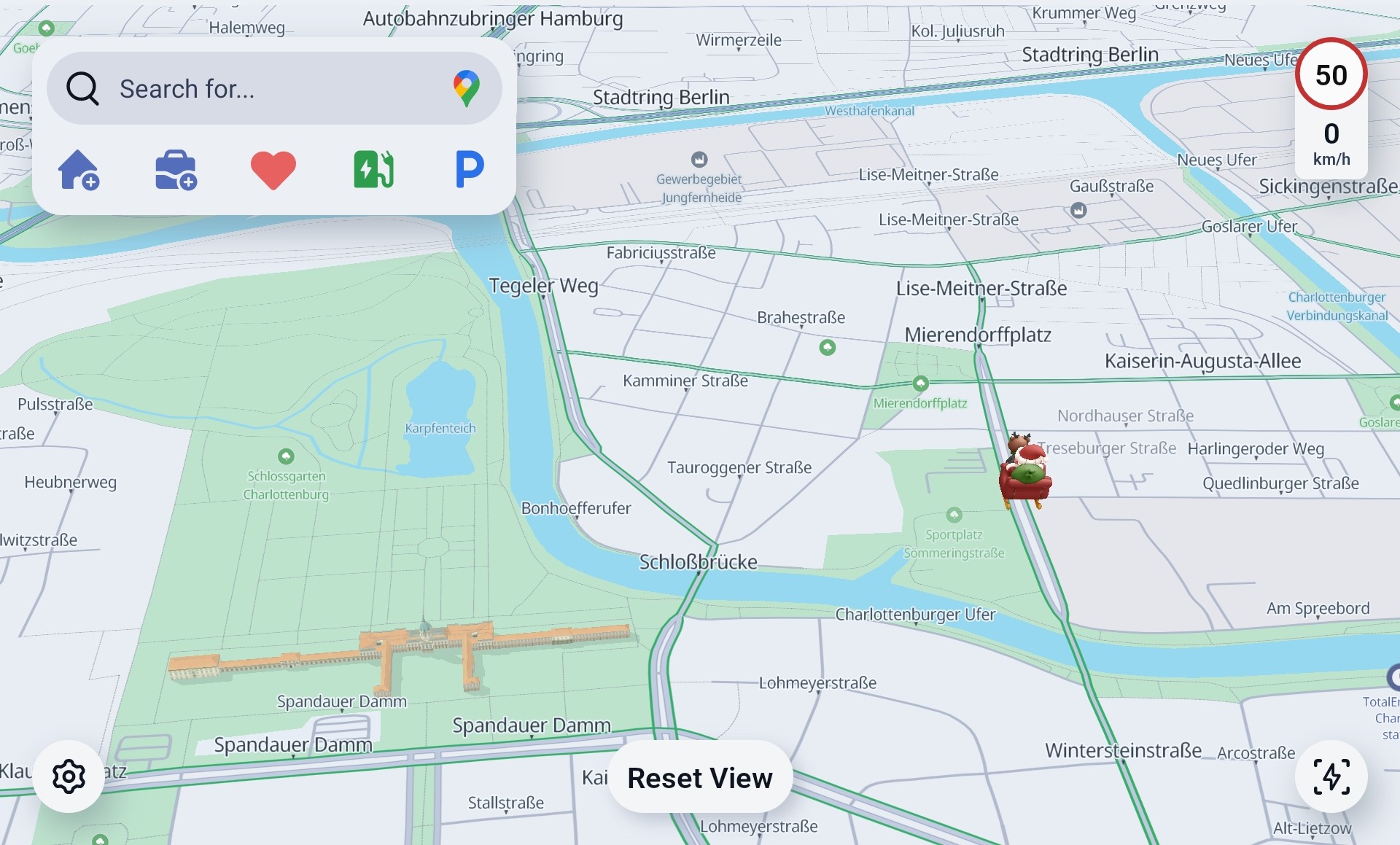
重载一:res/raw 资源
| fun setModel(@RawRes resourceId: Int): Boolean
|
| 参数 |
类型 |
说明 |
resourceId |
@RawRes Int |
res/raw 中的 3D 模型资源 ID |
| 返回值 |
Boolean |
true 加载成功;false 读取失败 |
重载二:字节数据
| fun setModel(data: ByteArray)
|
| 参数 |
类型 |
说明 |
data |
ByteArray |
3D 车辆模型二进制数据,适合从 assets 或网络加载后传入 |
4. createCvp / createCVP — 初始化配置
在 MapViewInitConfig 或 ClusterMapViewParams 中配置:
| 参数 |
类型 |
说明 |
createCvp / createCVP |
Boolean |
是否创建默认车辆图标;false 时通常需业务方主动设置图标或模型 |
示例代码
更新车辆位置
| fun onLocationUpdated(location: Location) {
mapView.getVehicleController()?.setLocation(location)
}
|
设置 2D CVP 图标
| val vehicleController = mapView.getVehicleController() ?: return
vehicleController.setIcon(R.drawable.ic_vehicle_cvp)
vehicleController.setLocation(currentLocation)
|
使用 Bitmap 图标
| val bitmap = BitmapFactory.decodeResource(resources, R.drawable.ic_vehicle_cvp)
mapView.getVehicleController()?.apply {
setIcon(bitmap)
setLocation(currentLocation)
}
|
设置 3D 车辆模型
| val loaded = mapView.getVehicleController()?.setModel(R.raw.vehicle_model) == true
if (loaded) {
mapView.getVehicleController()?.setLocation(currentLocation)
}
|
多屏同步车辆位置
| fun updateVehicleOnAllScreens(location: Location) {
mainMapView.getVehicleController()?.setLocation(location)
clusterMapView?.vehicleController()?.setLocation(location)
intersectionView?.vehicleController()?.setLocation(location)
}
|
注意事项
VehicleController 须在地图 onReady 之后使用。setLocation 建议由导航定位流或模拟定位流持续驱动,避免只设置一次后车辆停留在旧位置。- 自定义 2D 图标建议控制图片尺寸,避免高分辨率 bitmap 增加内存和渲染开销。
setModel(resourceId) 读取 res/raw 资源,返回 false 表示资源读取失败。- 多屏场景下 SDK 不会自动同步车辆位置,需要业务层分别更新每个地图实例。
相关指南